The Banking Orchestrator can now be reached from your AI assistant. Through its MCP server, any AI assistant that supports the open MCP standard can read from the platform and act on it, without anyone opening the portal. You ask about payments, balances and approvals in plain language, and your rights and signatory rules still apply.
Same platform, same controls
Connecting an AI assistant does not create a second way around the platform. It is the same Banking Orchestrator, reached from a different place:
- Direct: a request reads from or acts on the platform directly. The assistant calls the Orchestrator's tools and gets structured results back.
- Under your rights: the MCP endpoint does not introduce a separate permission model. Every tool call runs under the rights of the connected user, so the assistant can only do what that user is allowed to do.
- Under your approvals: signatory rules and four-eyes approvals still apply to everything the assistant initiates.
Every connection starts with a real user signing in to FinologeeBKO, and the assistant can only do what that user is allowed to do: if that user can only read, so can the assistant. The assistant has no signing function, so payments it prepares follow your signatory rules. Every change is recorded in the audit trail, under the user's name. Before a colleague connects an assistant, check their rights in FinologeeBKO: the assistant gets exactly those.
What the assistant can do
The assistant can read balances and bank statements; payments with their status: who has signed, who still needs to, and by when; and counterparties with their approval status and risk level. It can also act: prepare payments and direct debits, one by one or in bulk, and add or update counterparties. Your signatory rules and four-eyes approvals still apply.
Possible uses
Working in plain language changes how teams reach the platform. A few examples of what you can ask:
- Plain-language questions: "Which large payments were approved last quarter, and by whom?"
- Batch requests: "Prepare this month's SEPA direct debit collections for Fund III and send them for validation." One request, many payments, still validated by your signatories.
- Cash flow projections: "Where do we expect a shortfall across our accounts over the next four weeks?" Expected shortfalls and surpluses across accounts and banks.
- Anomaly flags: "Flag any payment this week to a counterparty we have never paid before." Unusual amounts, new counterparties and broken cadences.
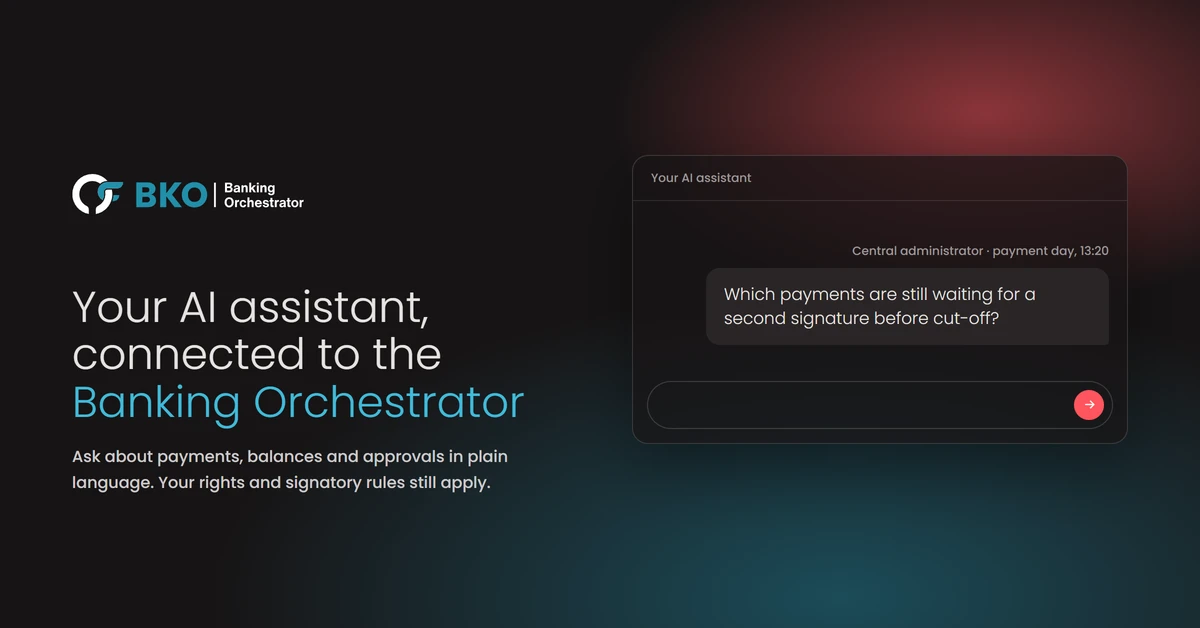
The same questions look different depending on who asks them: a central administrator checking which payments are still waiting for a second signature before cut-off, a fund manager looking at the cash position across all banks before an investment committee, a depositary reviewing which payments above a threshold were approved last month.
Works with the AI you already use
FinologeeBKO connects through MCP, an open standard that links AI assistants to business software. It works with Claude, ChatGPT, Mistral Vibe and agents built in Microsoft Copilot Studio; with ChatGPT and Mistral Vibe, your plan must allow custom connectors. Other assistants on request.
Where your data goes
FinologeeBKO is hosted in Luxembourg by EBRC, part of the POST Luxembourg group, in Tier IV-certified data centres. What your assistant reads also goes to your AI provider, which processes it under your agreement with it. If professional secrecy or outsourcing rules apply to you, check that agreement against them. Finologee does not use your data to train AI models.
How to get started
If you already use FinologeeBKO, setting it up takes three steps:
- Ask Finologee support to switch on the connection and send you the details.
- Add FinologeeBKO as a custom connector in your assistant.
- Sign in with your usual FinologeeBKO login.
Step-by-step guides for each assistant are in the documentation. If you do not use FinologeeBKO yet, book a demo.
Discover how it works, the use cases and the setup on the new Banking Orchestrator AI page.